Geo mapping and territories
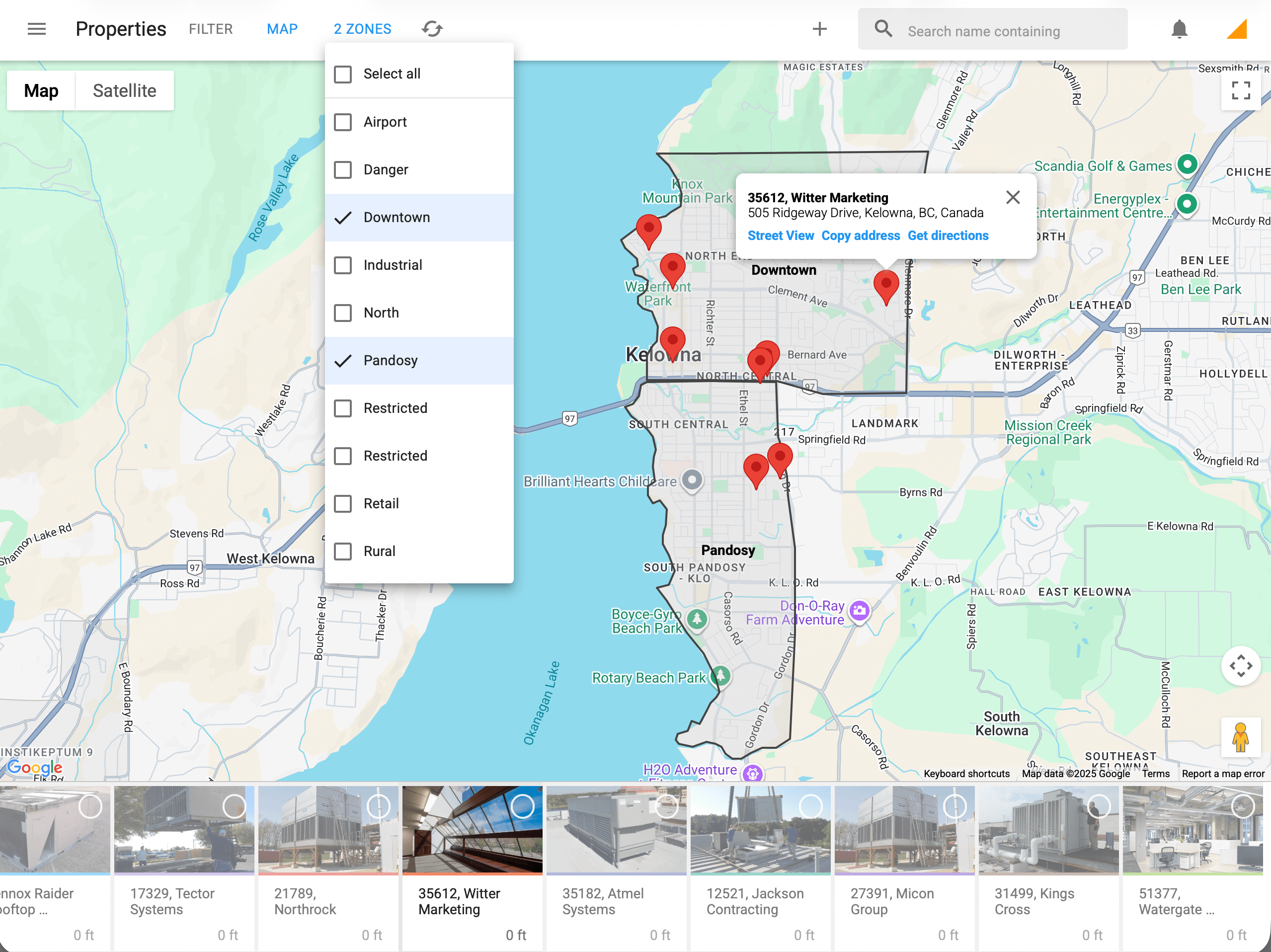
Filter records by territory zones
View accounts, prospects, and service locations by territory to understand workload, pipeline, and coverage at a glance. Sales and service teams can quickly focus on the right zones, prioritize visits, and balance territories more effectively.
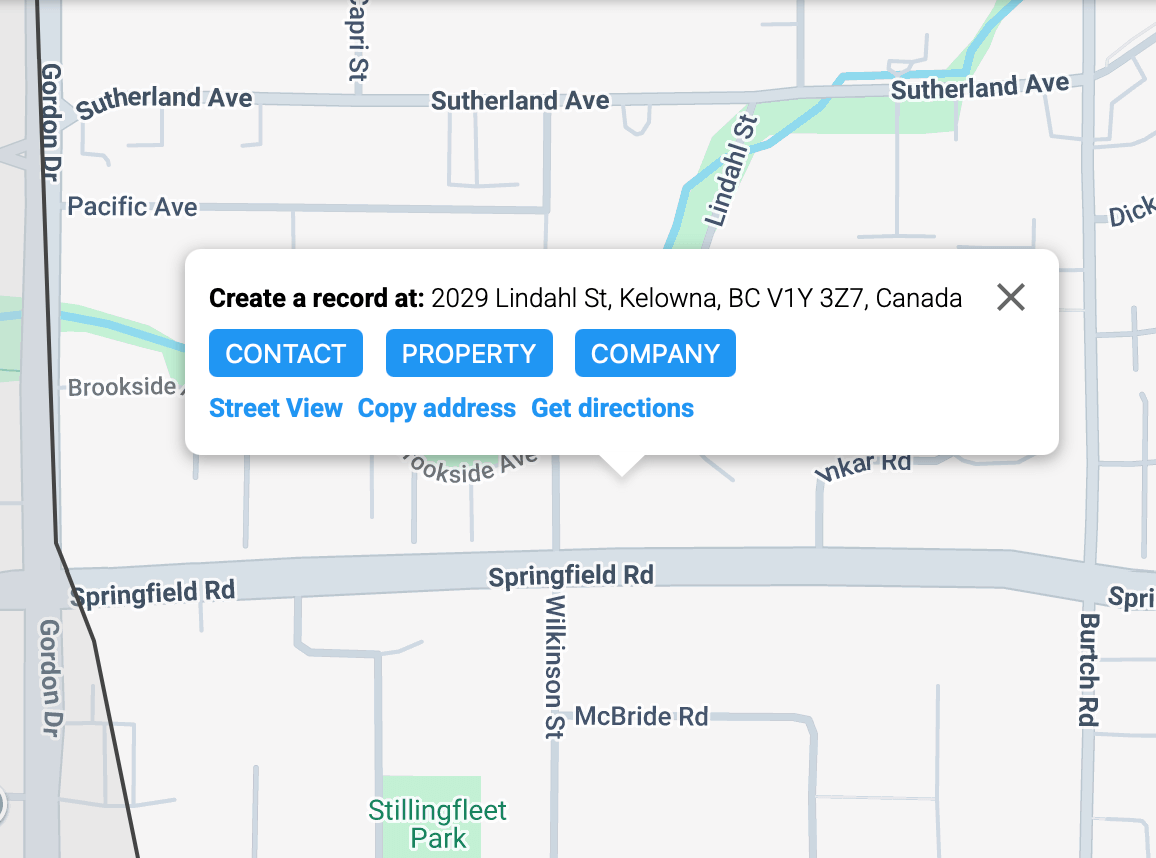
Tap and hold to capture field records
Create new leads, service requests, or site records directly on the map with a tap and hold. Perfect for teams in the field, this makes it easy to capture opportunities, log service locations, and keep CRM data accurate in real time.