Working with Collaborators
Imagine if your database could securely share individual record(s) to people outside your organization; like Google Docs does. That’s exactly what Solve’s unique Collaborator feature provides.
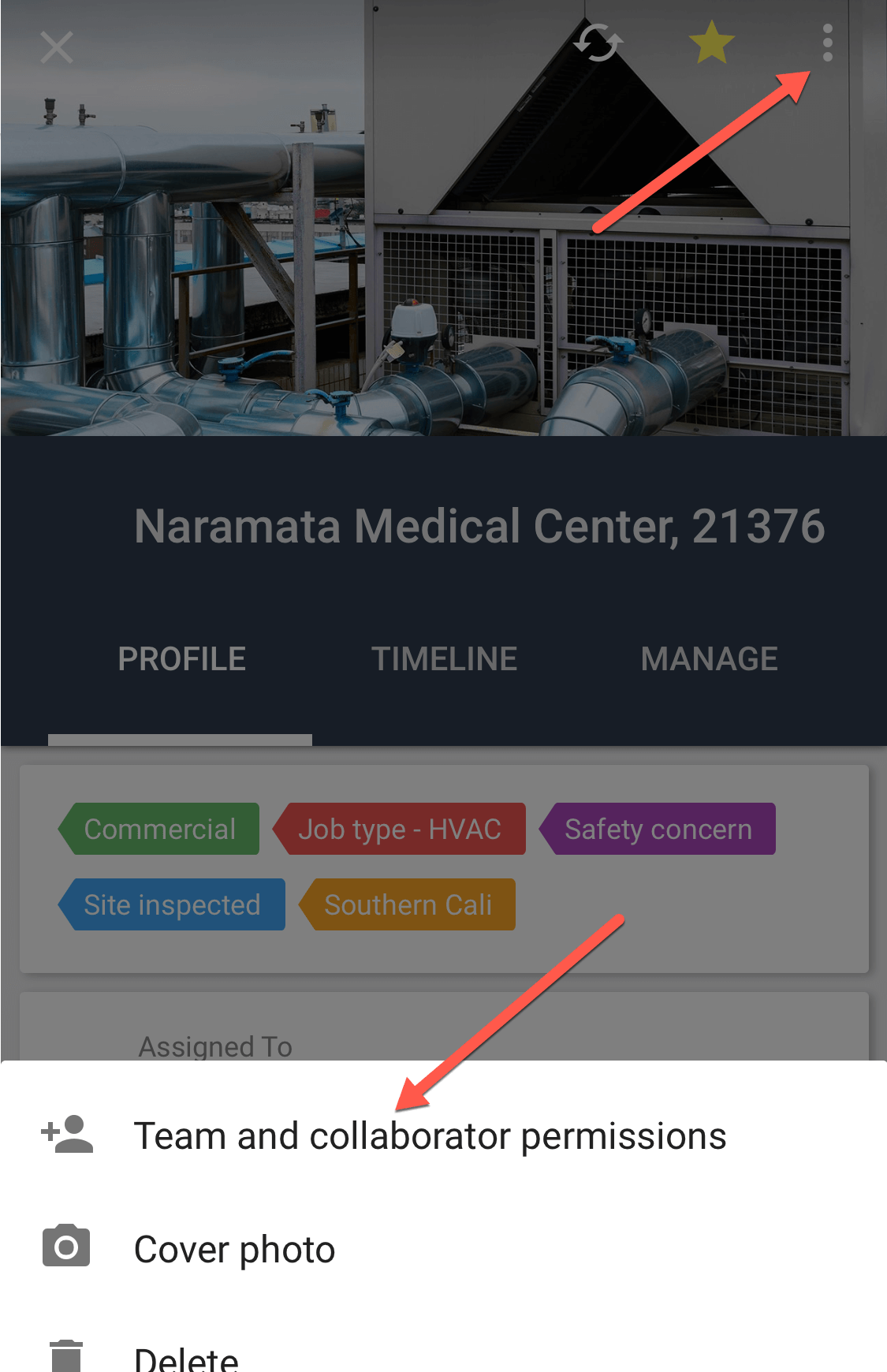
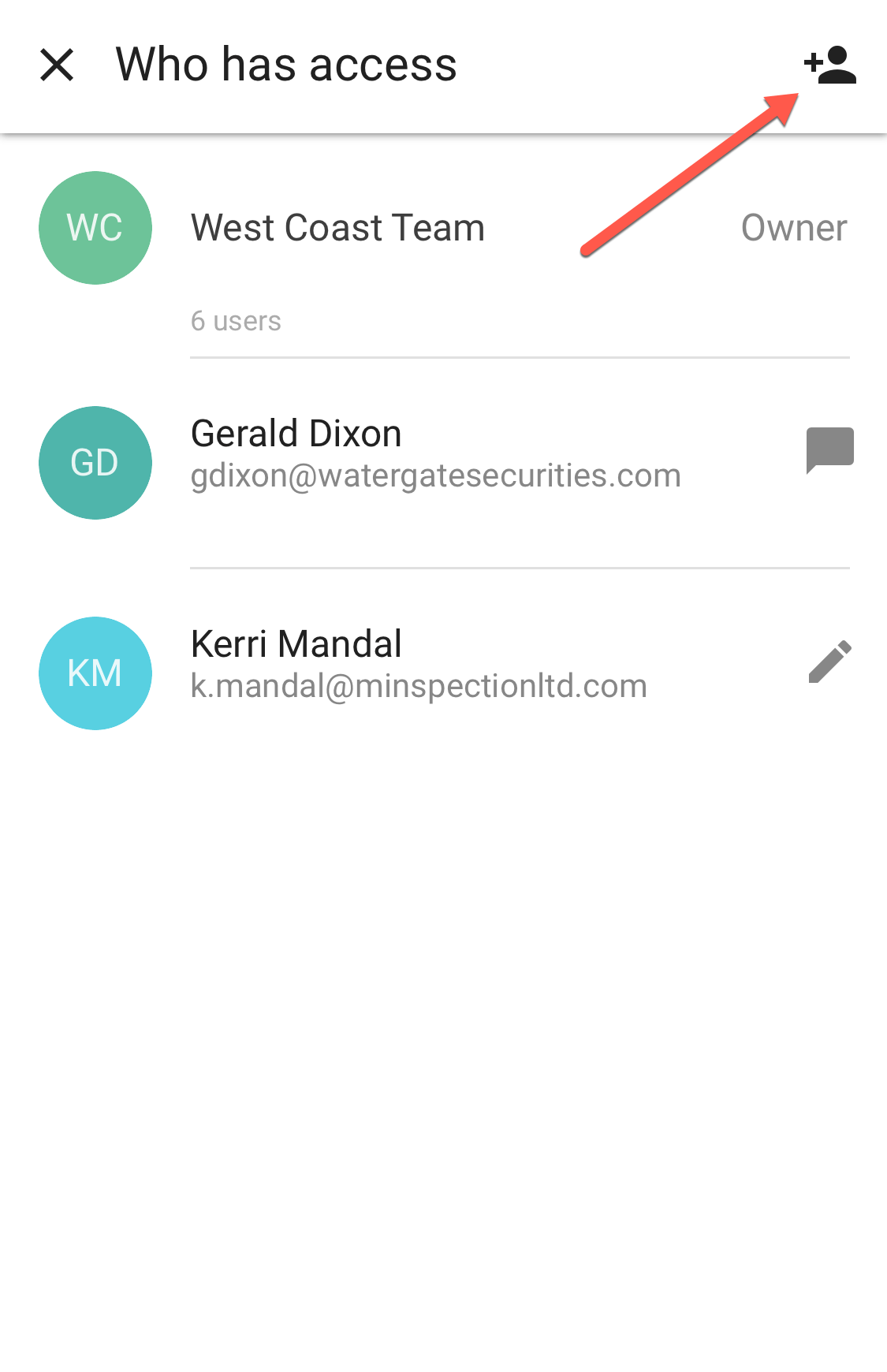
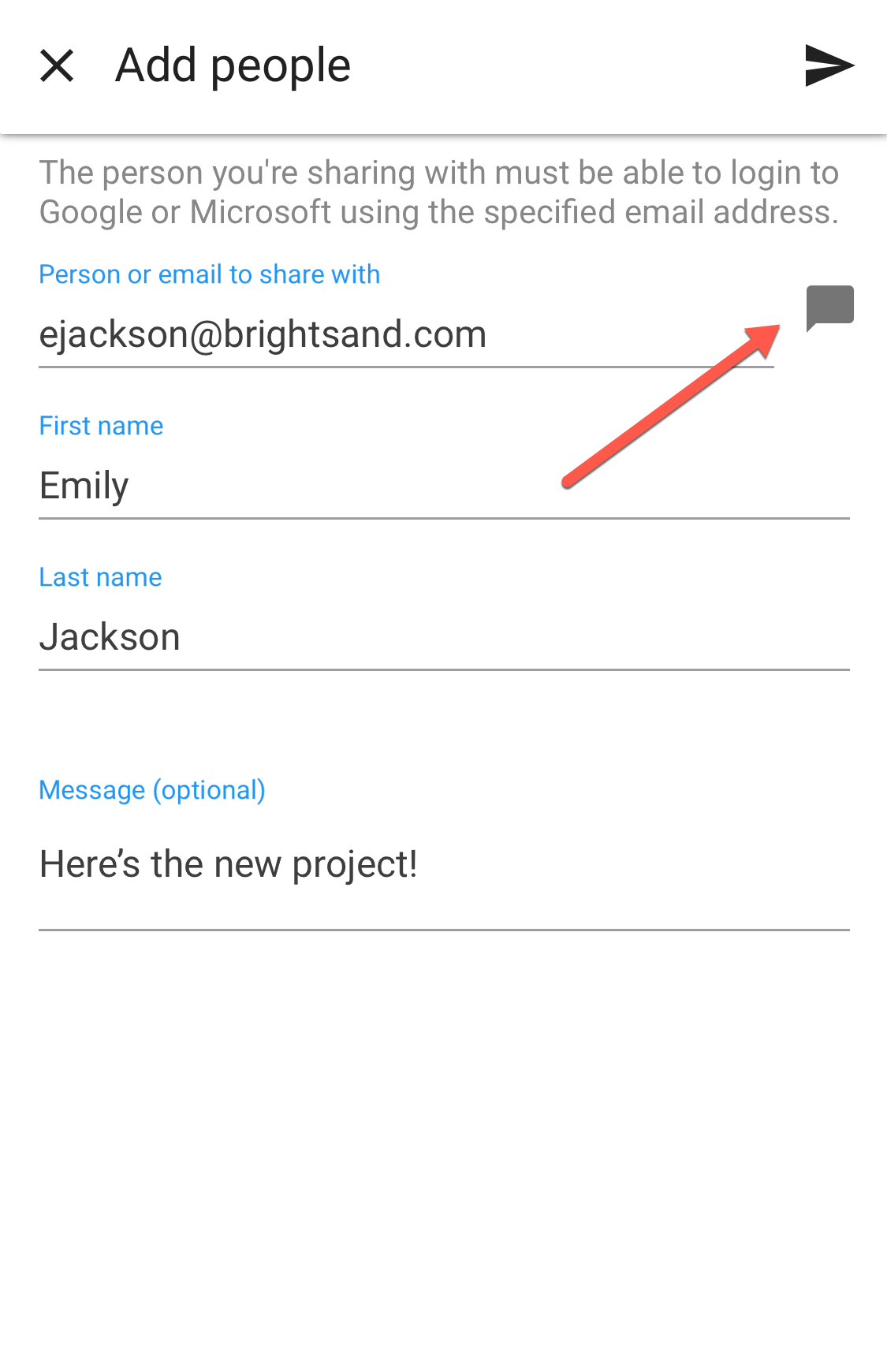
Tip: You can share multiple records at once, by selecting records in the Lists area.
The collaborator will receive an instant notification with the details.
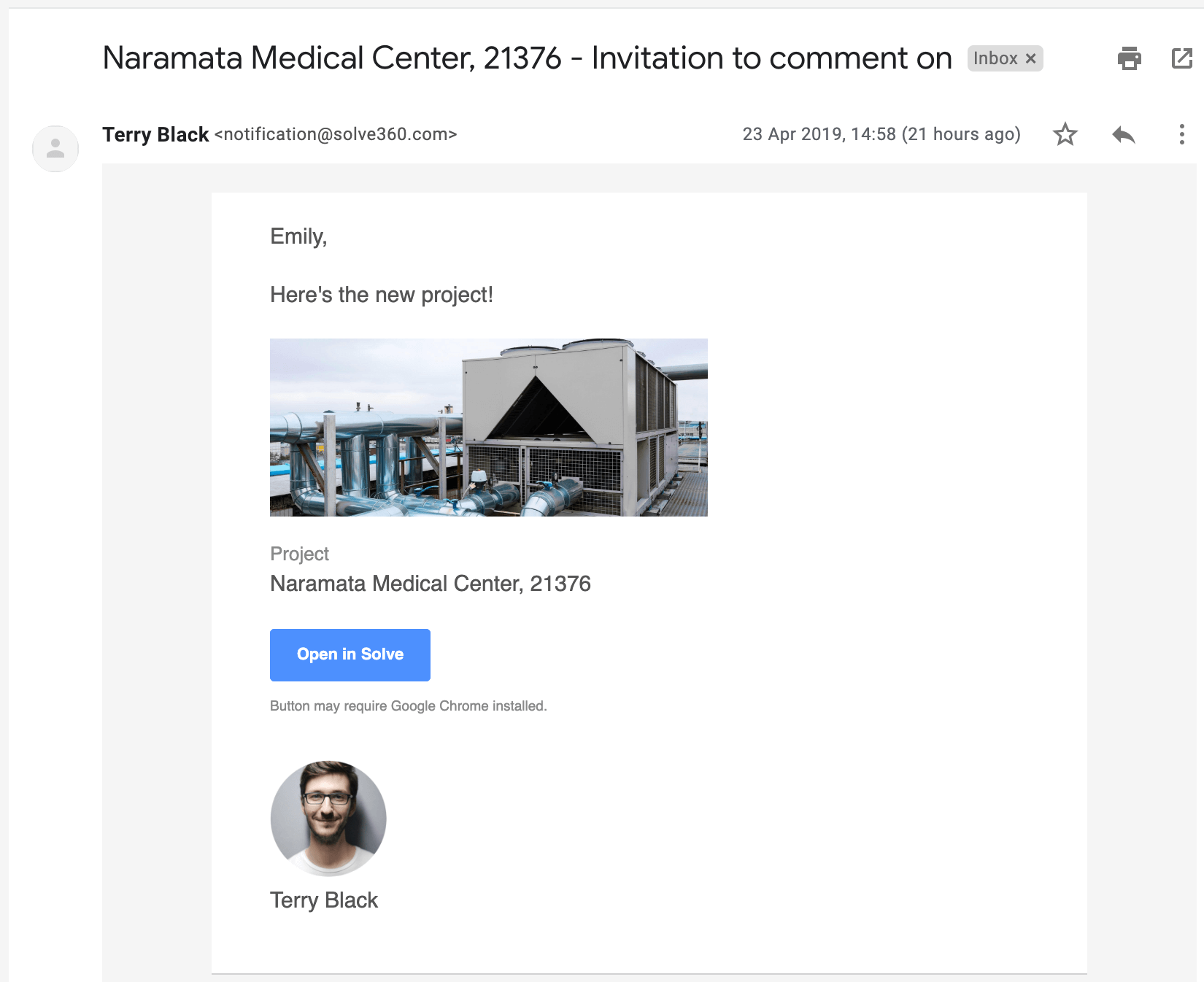
Solve does not share internally sensitive information with Collaborators:
- Permission settings
- Category tags
- Related to
- Assigned to
- Linked Gmail messages
- Fields having any field security profile set to ‘view-only’ or ‘hidden-from’
Additionally, record fields cannot be edited by Collaborators.
By default, activities are hidden from Collaborators. Change this default, under Settings > My account. Visible activities can be assigned to Collaborators, and pre-set to automatically remind them what you need.
Instantly remove a Collaborator’s access to all shared records, under Settings > Collaborator access.